

How to play Minesweeper
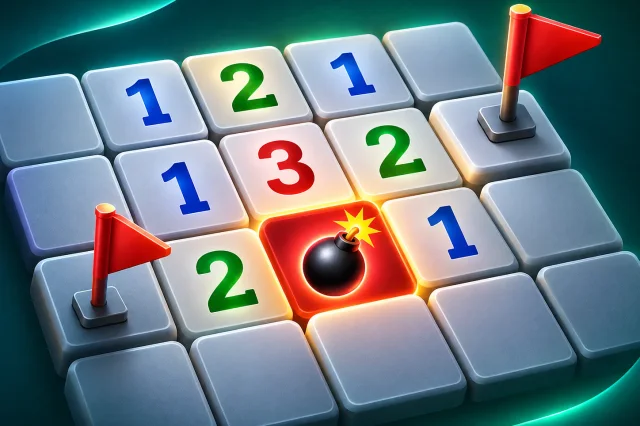
Minesweeper is a one-player logic puzzle. A grid of squares hides a set of mines. Open every square that does not hold a mine to win, and never open a mine. Each number tells you how many of the eight squares around it hold a mine, so you can work out where the mines are.
- Opening: click or tap a square to open it. Your first open is always safe and opens a clearing.
- Flags: right-click, or tap and hold on a phone, to flag a square you think is a mine. Flag mode makes every tap place a flag.
- Opening around a number: once you have flagged as many mines as a number shows, tap the number to open all its other neighbours at once.
- Hints: a hint points out a square that is certainly safe or certainly a mine. A game with a hint does not count for best times.
- Sizes: on a computer, Beginner is 9 by 9 with 10 mines, Intermediate is 16 by 16 with 40, and Expert is 18 by 18 with 65. On a phone the boards are narrower so every square stays big enough to tap: 8 by 8 with 10 mines, 12 rows by 9 columns with 18, and 14 rows by 9 columns with 26.
- Daily board: everyone gets the same Intermediate board each day, so you can compare times with friends.
Tips
- A 1 with only one hidden square next to it means that square is a mine.
- If a number already has all its mines flagged, every other square around it is safe.
- Look at two neighbouring numbers together: the squares they do not share often give the answer.
- Only guess when nothing else is certain, and guess the square least likely to be a mine.